
There are two types of searches: Simple and Advanced.
The Simple Search option is used if you have specific search criteria to perform the search.
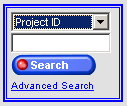
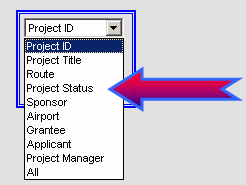
Highlight and select a topic from the drop-down list.
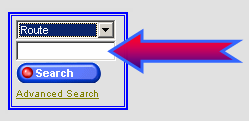
Enter search criteria.
Click the  button.
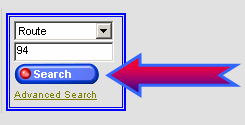
The search results for the criteria entered will be displayed. Only
ten projects will be displayed within the screen. Click  to display additional projects.

Click on a Project number to display additional data.
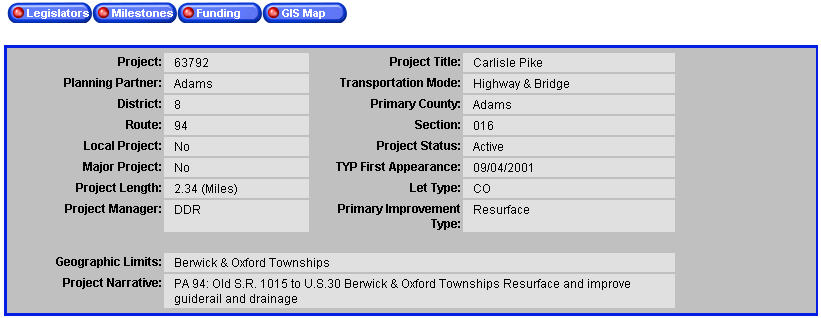
 Go to
the Legislators, Milestones,
Funding and GIS Map
pages for further explanation of these features.
Go to
the Legislators, Milestones,
Funding and GIS Map
pages for further explanation of these features.
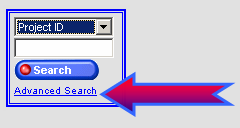
When you click the Advanced Search link, a screen will display several search parameter options.
Click the Advanced Search option.
A screen to select/enter search criteria will be displayed.
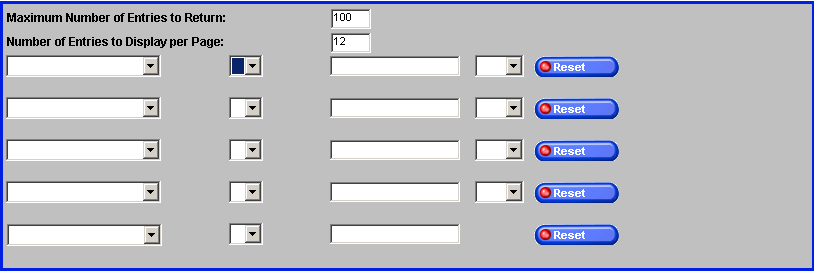
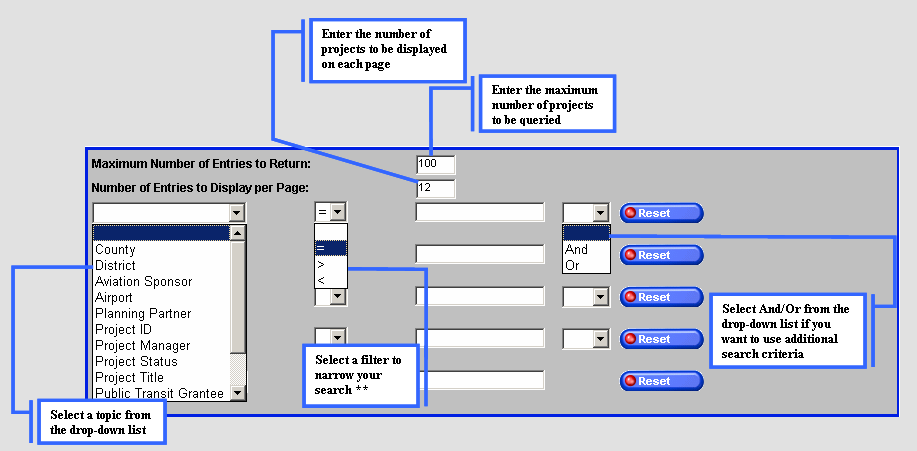
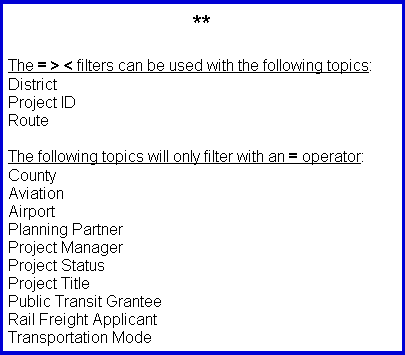
When all search parameters have been entered, click the button.
Example creating the parameters of an Advanced Search:
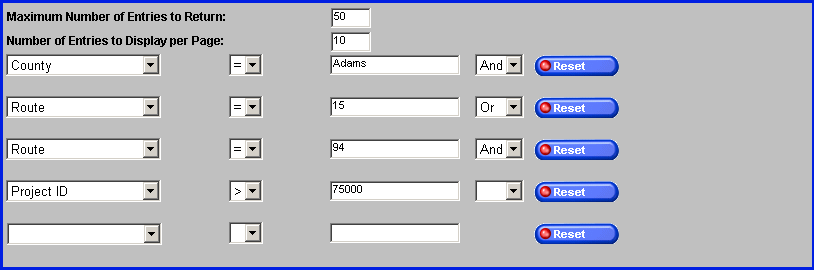
Search results:

Click on a Project number to display additional data.
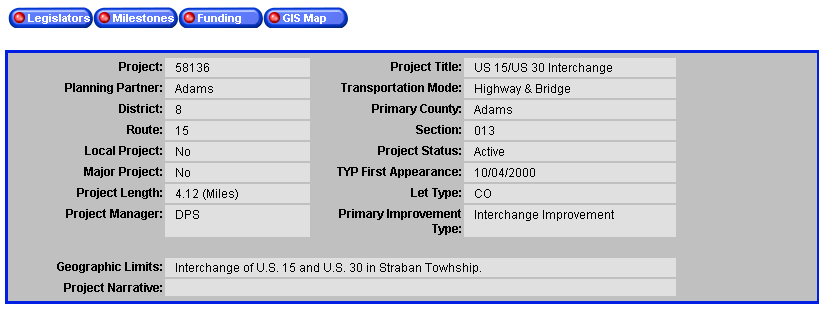
Go to
the Legislators, Milestones,
Funding and GIS Map
pages for further explanation of these features.